Lowpass
Perform a lowpass filter.
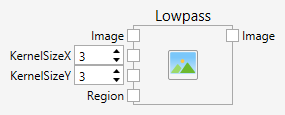
Inputs
Image (Type: Image)
The input image.
KernelSizeX (Type: Int32)
The kernel width.
KernelSizeY (Type: Int32)
The kernel height.
Region (Type: Region)
Specifies an optional area of interest.
Comments
The function applies a lowpass filter. The kernel is rectangular with all n x m values set to 1 / (n*m).
The effect of a lowpass filter is a lowpass. The lowpass filter emphasizes low frequencies and attenuates high frequencies. The strength of the lowpass filter depends on the size of the kernel.
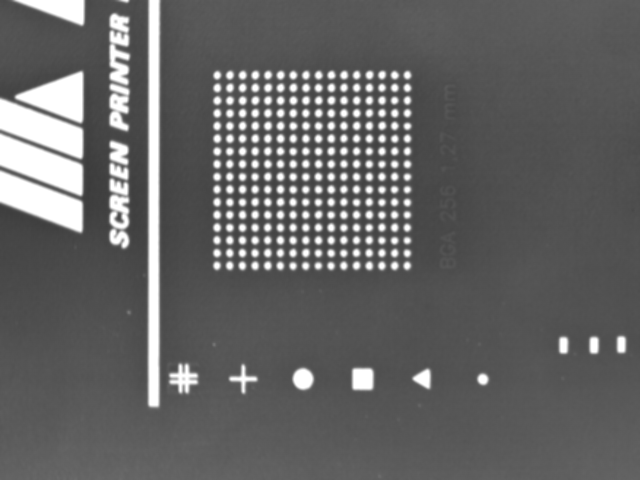
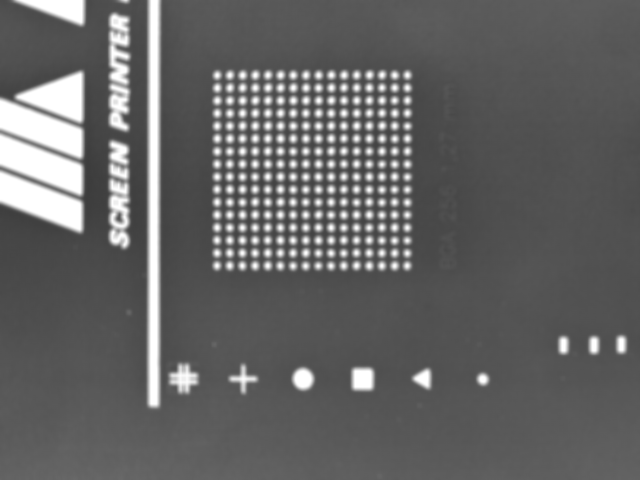
Here are a few results of the lowpass filter with increasing kernel sizes:
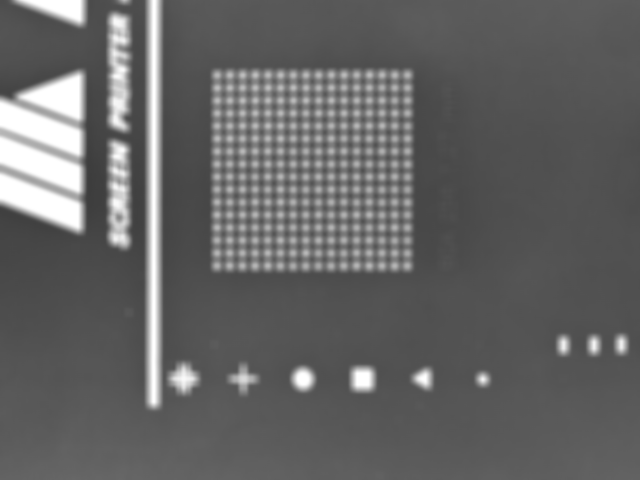
Original:

KernelSizeX = KernelSizeY = 3:
KernelSizeX = KernelSizeY = 5:
KernelSizeX = KernelSizeY = 7:
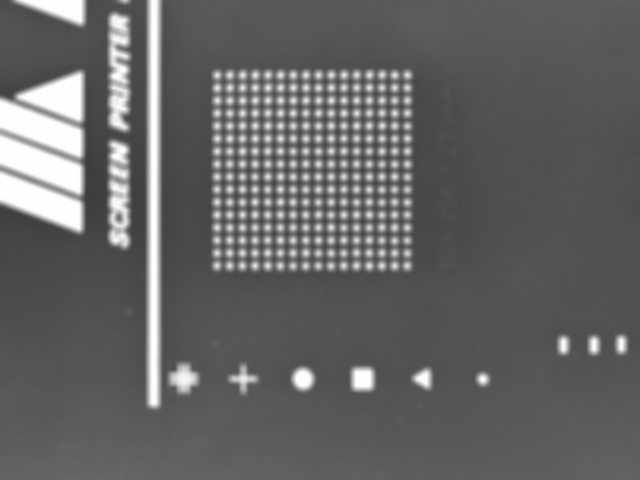
KernelSizeX = KernelSizeY = 9: