Region
The Region node is used to display a region.
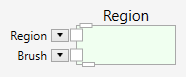
At the top of the Region node is a pin that allows it to connect to a parent widget. The region will be displayed only, if a parent connection is made.
At the bottom of the Region node is a pin that allows it to connect children to the region widget. The parent, grandparent, children and grandchildren define the layering of the widgets and the graphical outcome.
Children are layered on top of the parent.
Inputs
Region (Type: Region)
The region to display inside the widget.
Brush (Type: SolidColorBrush)
A brush for the region display.
Example
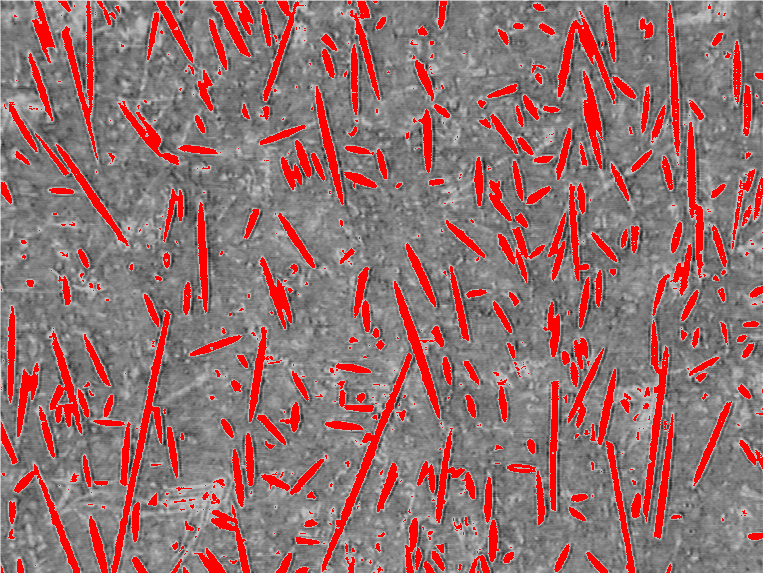
Here is an example that displays a region on top of an image. This pipeline
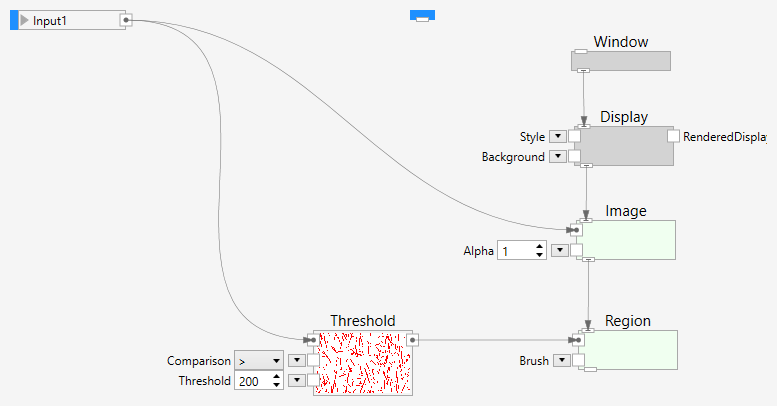
shows the following result: