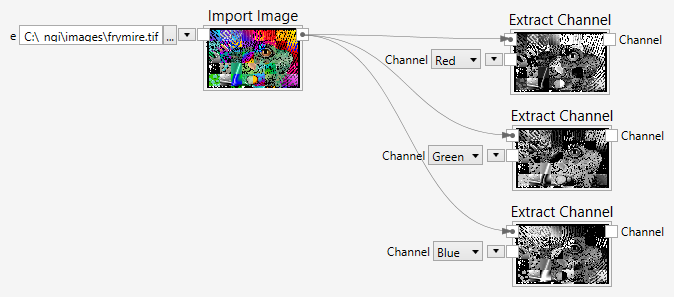
Extract Channel
Extracts a specific color channel from a multi-channel image.
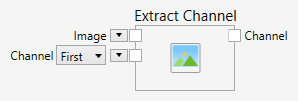
Inputs
Image (Type: Image)
The input image.
Channel (Type: String)
The channel that should be extracted.
Comments
This function extracts a specific channel from a multi-channel color image.
The channel can be specified by meaning or by position.
Positional arguments are: First, Second and Third. The other arguments are Red, Green, Blue, Hue, Lightness, Saturation, Intensity, L, A and B. If a channel is not valid (such as when trying to extract the red channel from an HSI image), an error is shown.
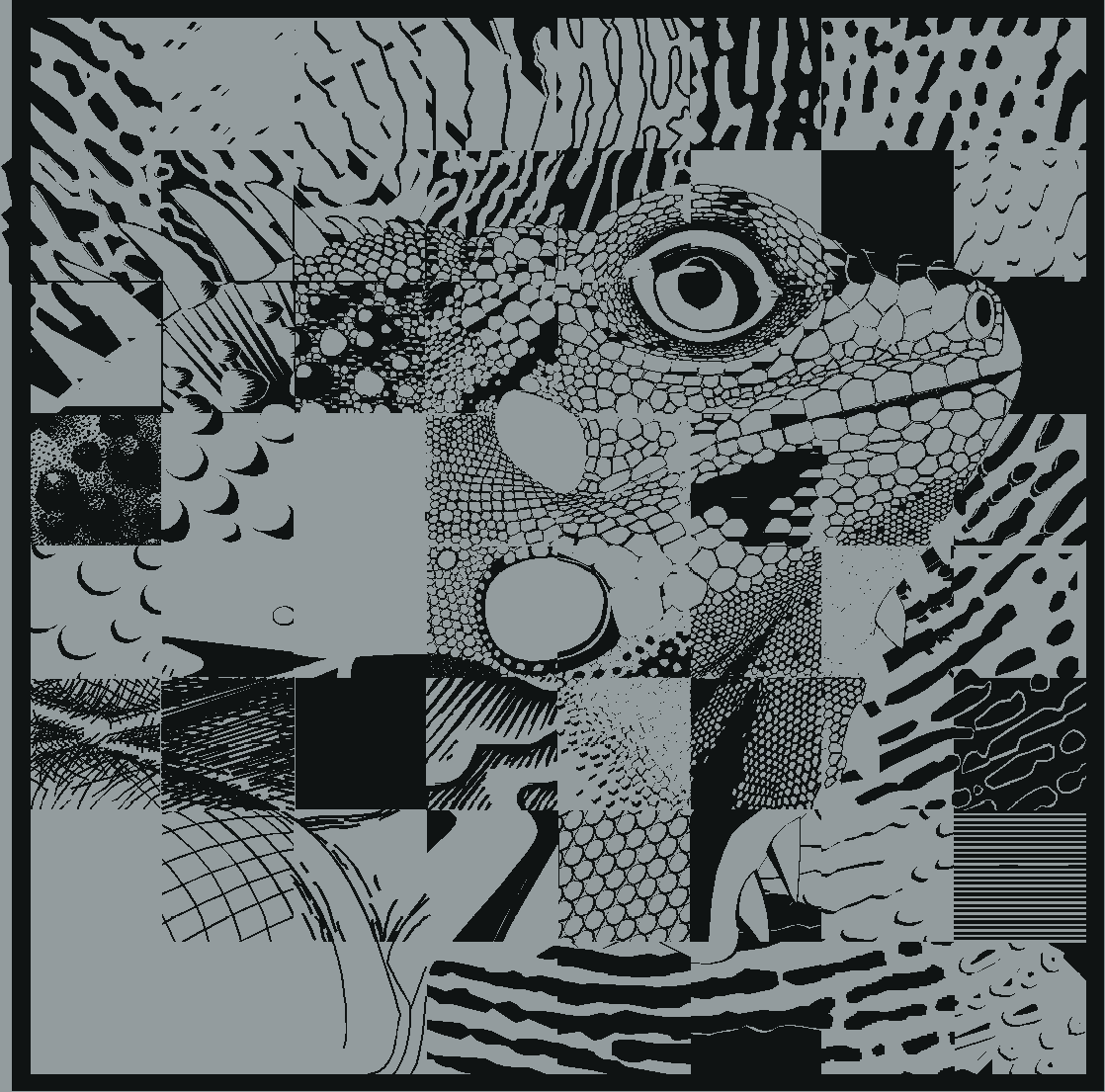
Here is an example of the original color image:

And here are the three color channels red, green and blue from left to right:
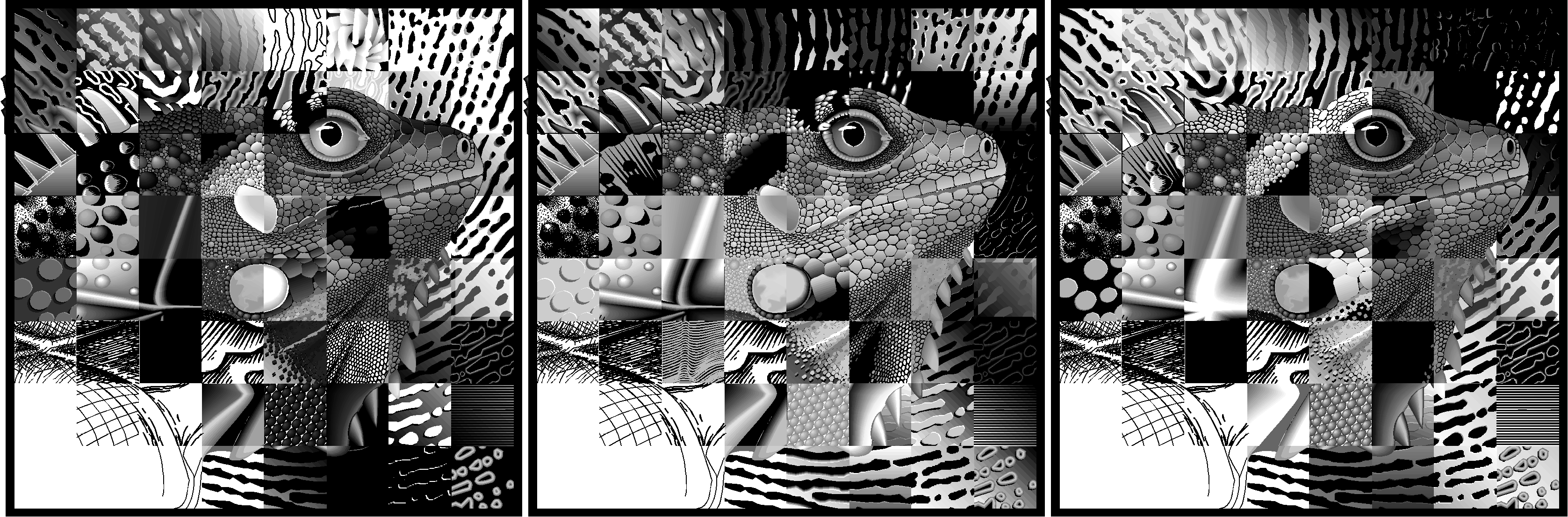
The same color channels again with proper coloring: