Point Algorithms
Point operations are the simplest image processing transformations. An output pixel value depends on the input pixel value only. Examples of such transformations are tone adjustments for brightness and contrast, thresholding, color space transformation, image compositing, image arithmetic or logic, etc.
Mathematically, a point operator can be written as
or
Classification of Point Operations
There are various ways to classify point operations. One way to classify them is by the number of arguments. Unary point operations take one argument, binary point operations take two arguments and tertiary point arguments take three arguments. Another way is to separate them into arithmetic, logical, and other operations. The table shows this classification for the operations implemented within nVision.
| | Arithmetic | Logic | Other | |———-|—————————————————–|————–|—————————| | Unary | Absolute, Decrement, Increment, Negate, Square Root | Not | Colorspace transformation | | Binary | Add, Difference, Subtract | And, Or, Xor | | | Tertiary |
Unary Image Operator
Applies a unary point operation to an image. Unary point operations are applied pixel by pixel, the same way for every pixel.
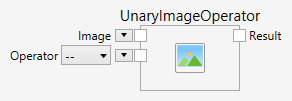
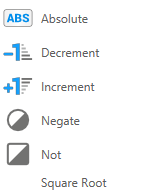
The following operators are available:
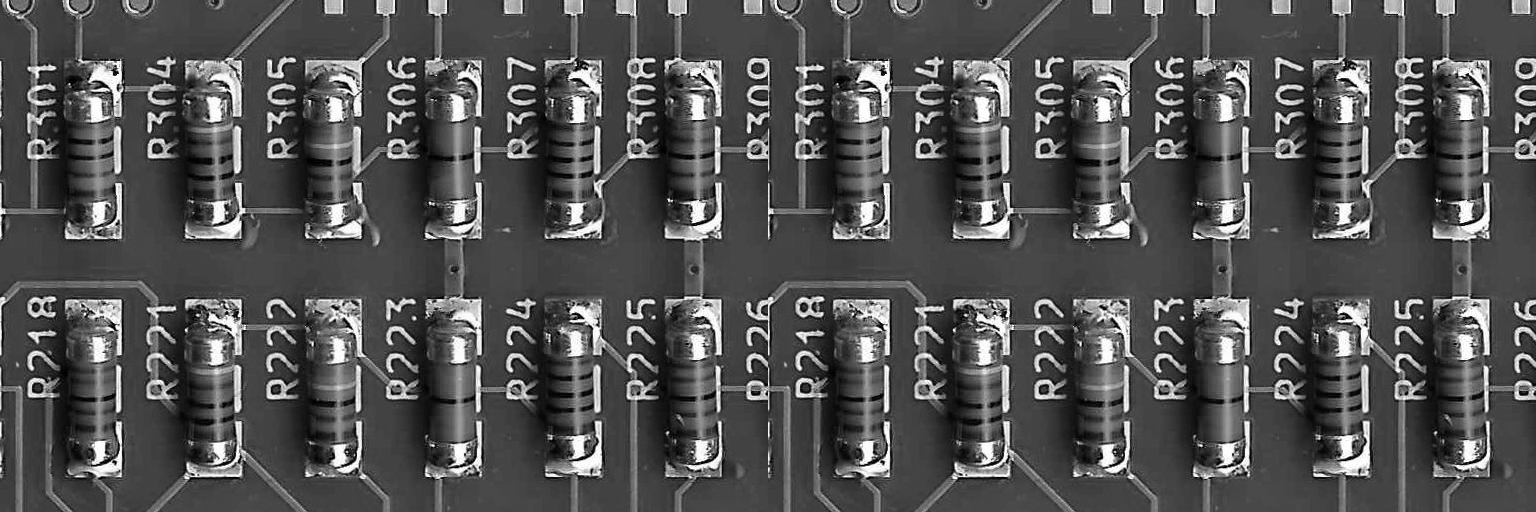
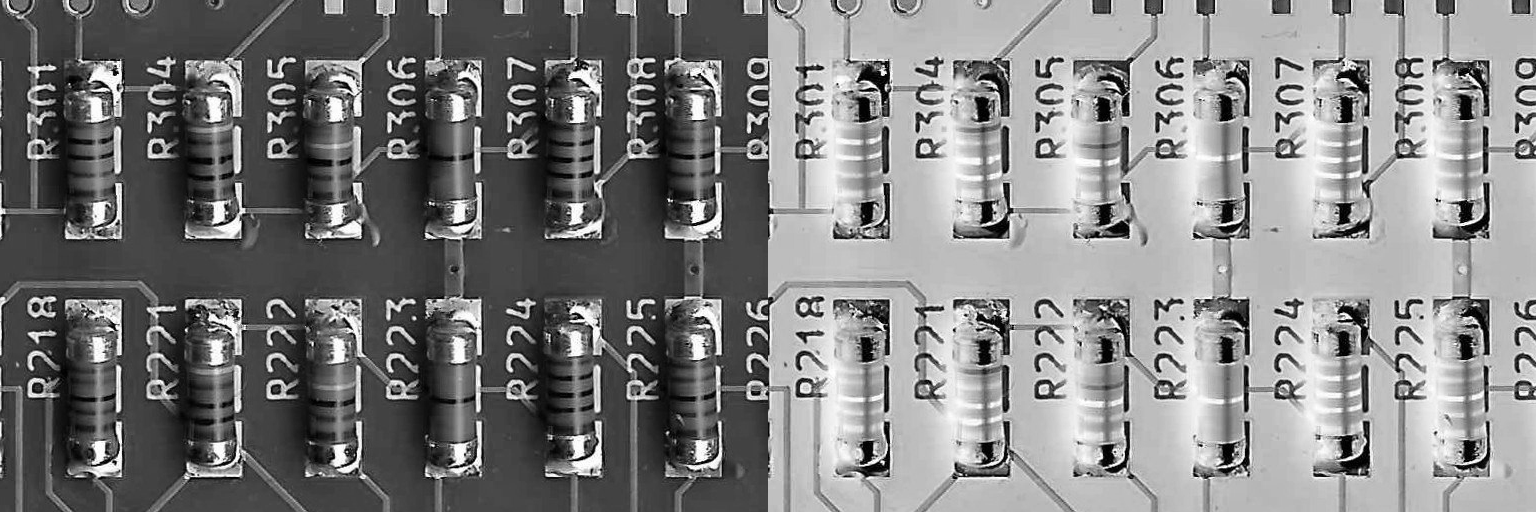
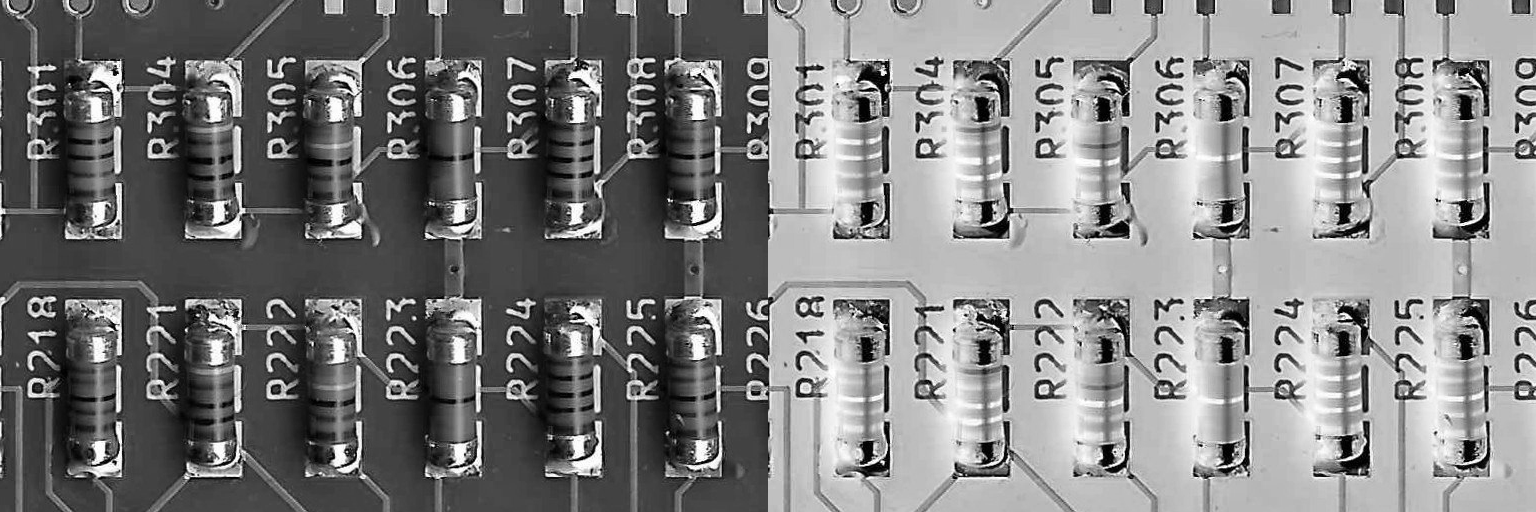
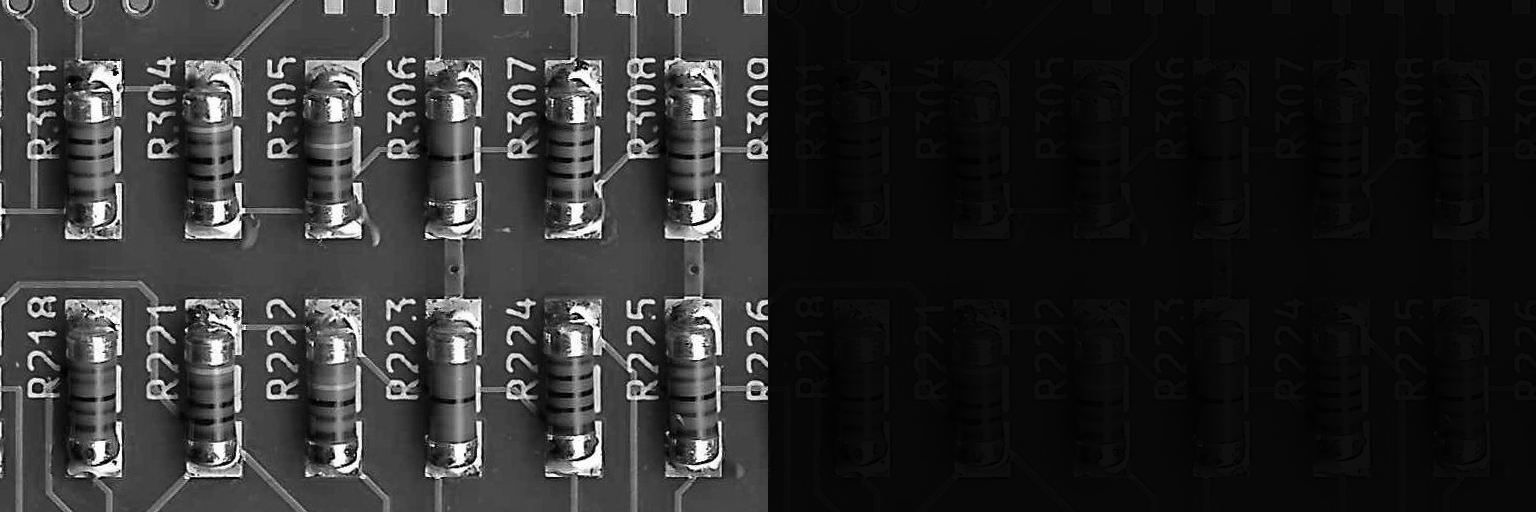
BinaryImageConstantOperator
Applies a binary point operation between an image and a constant. Possible operations can be grouped into arithmetic, logic and comparison fields. Binary point operations are applied pixel by pixel, the same way for every pixel.
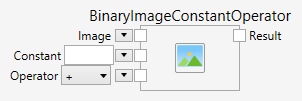
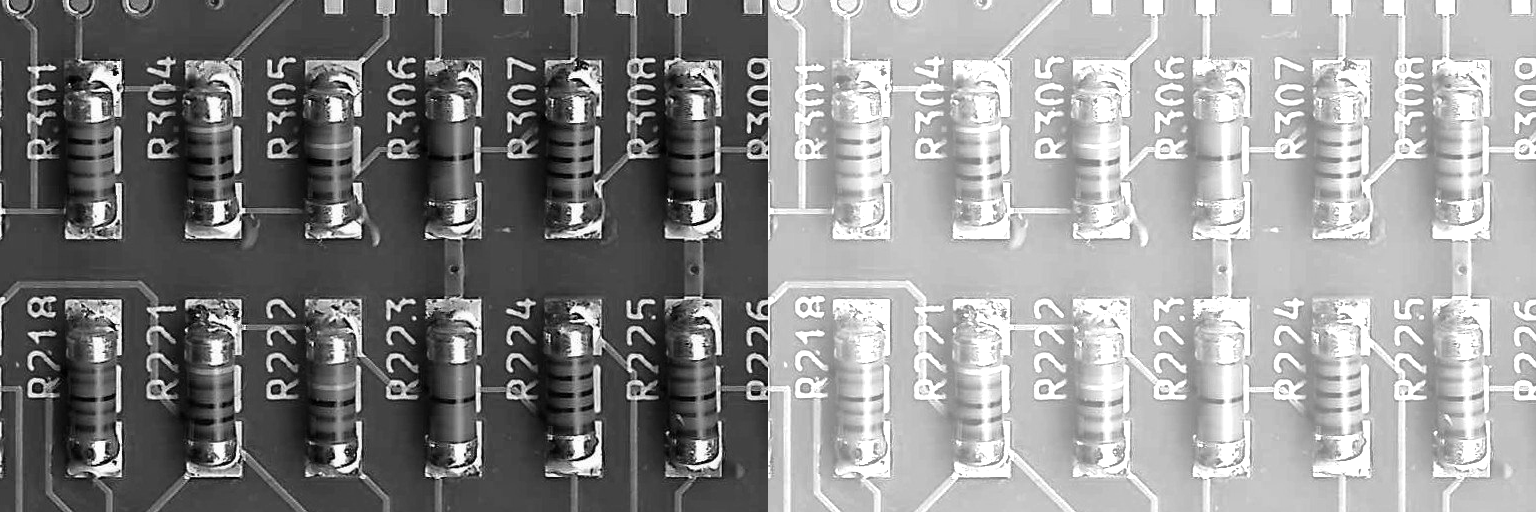
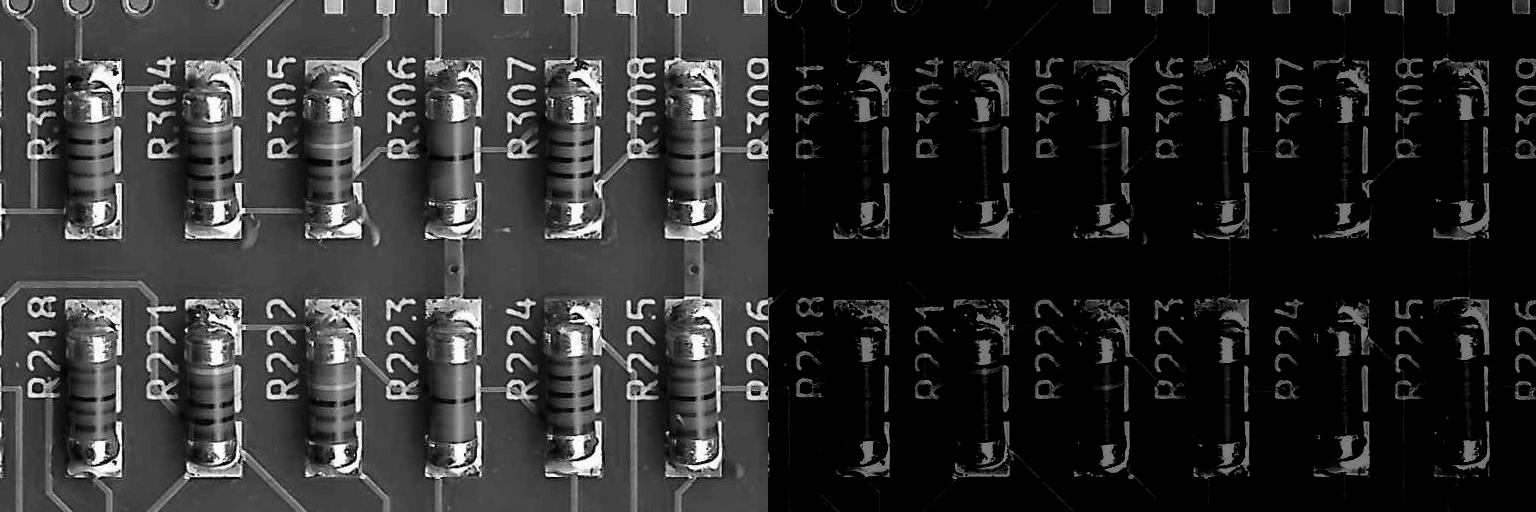

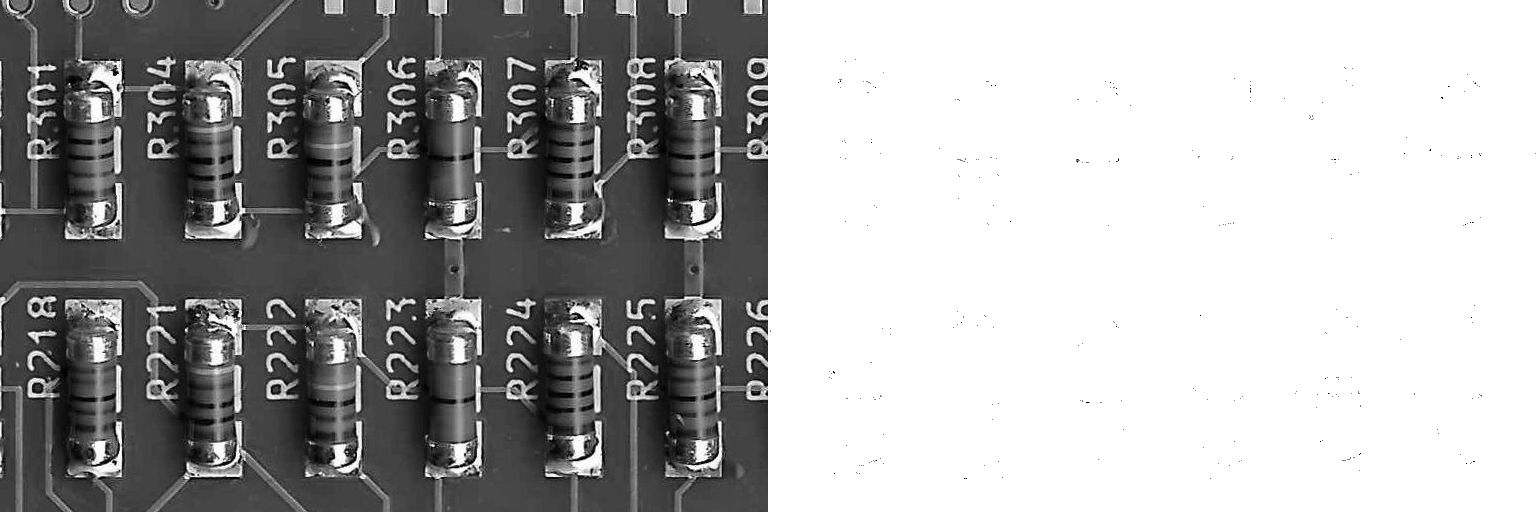
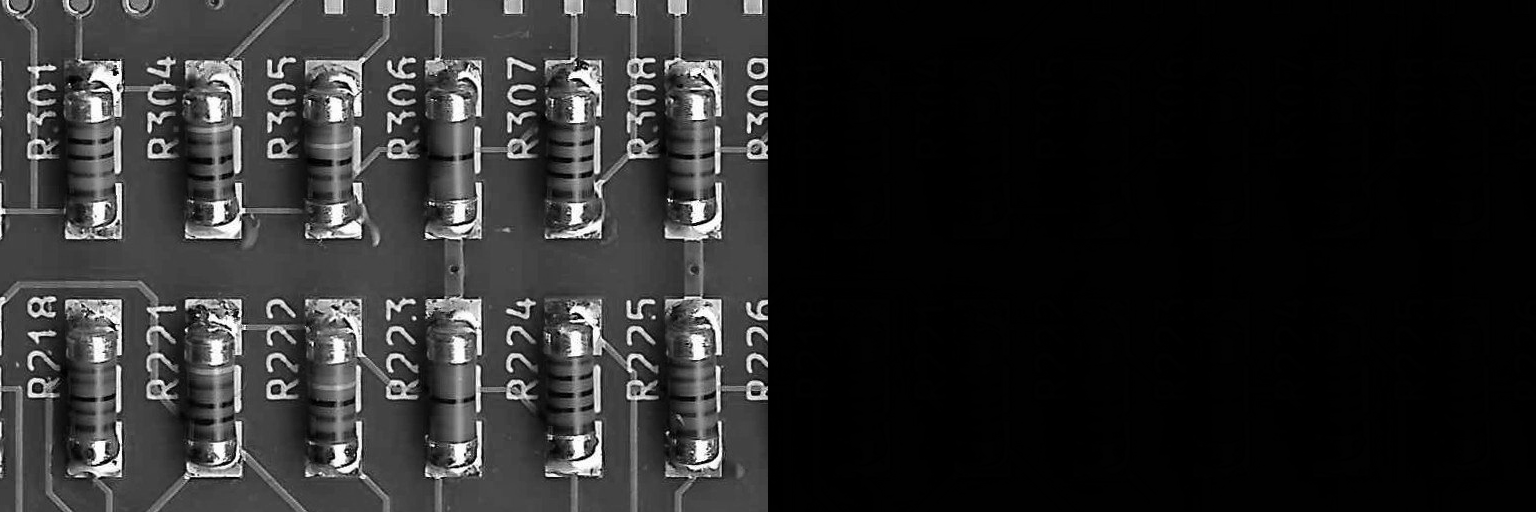
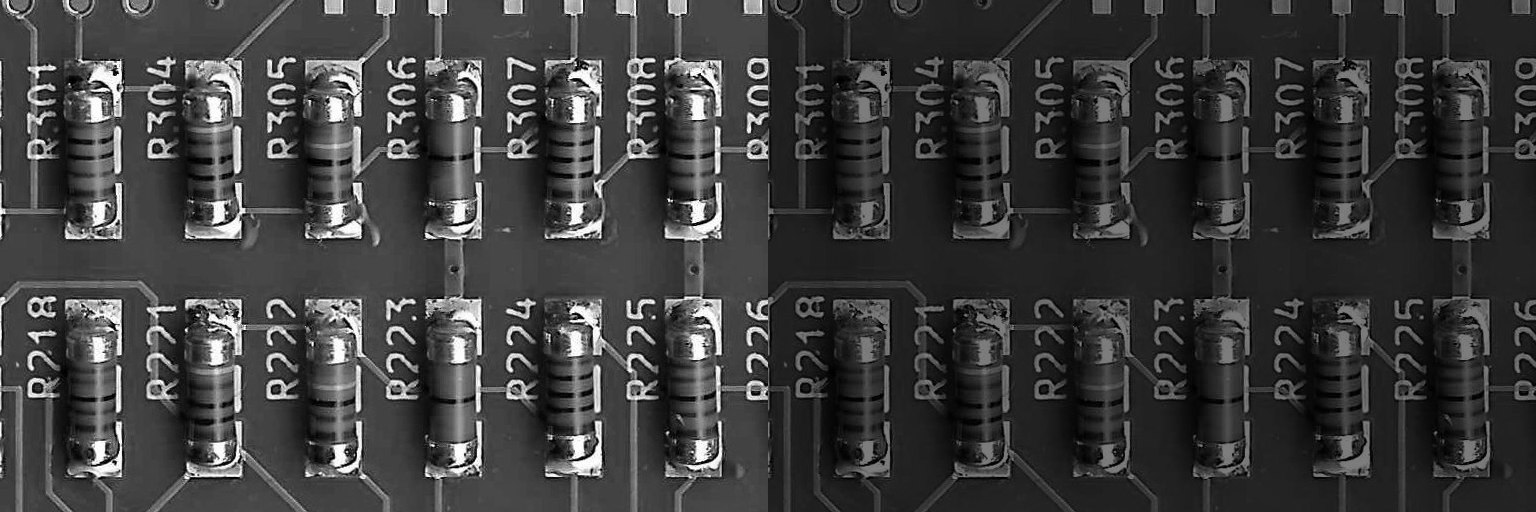
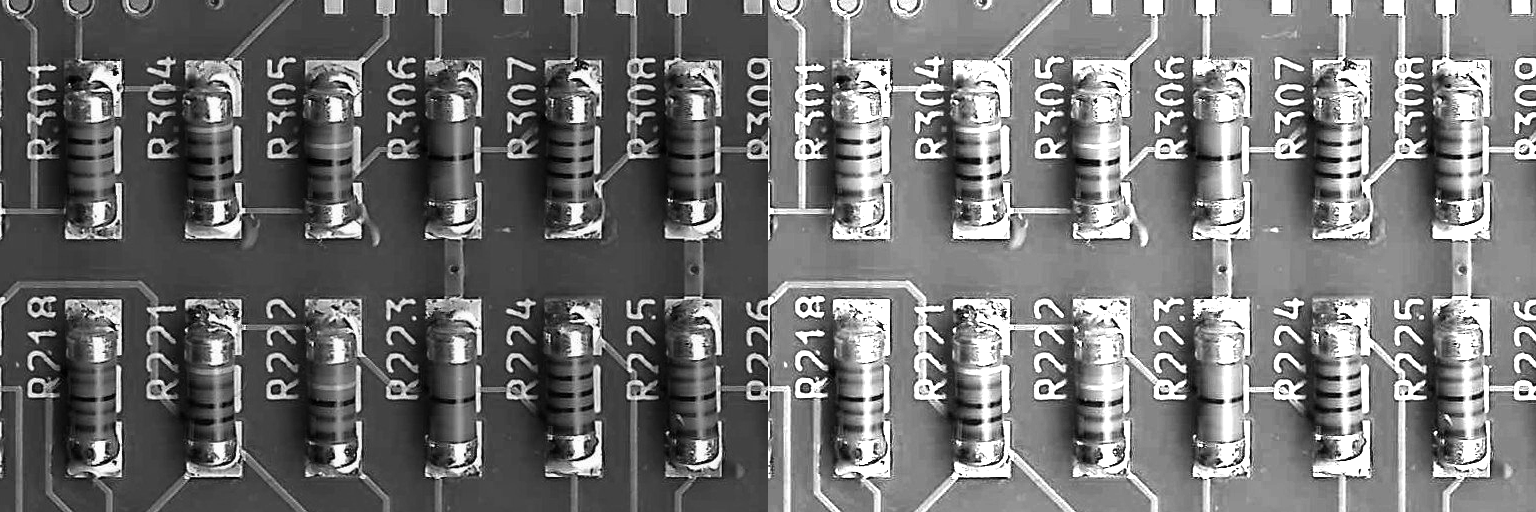
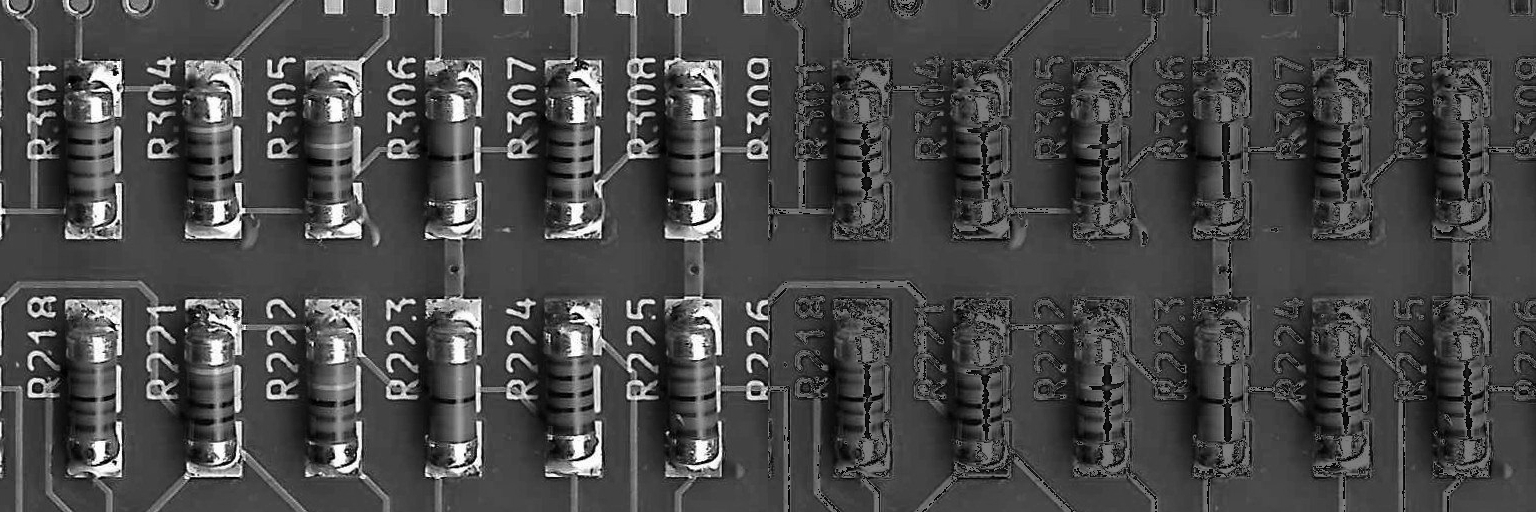
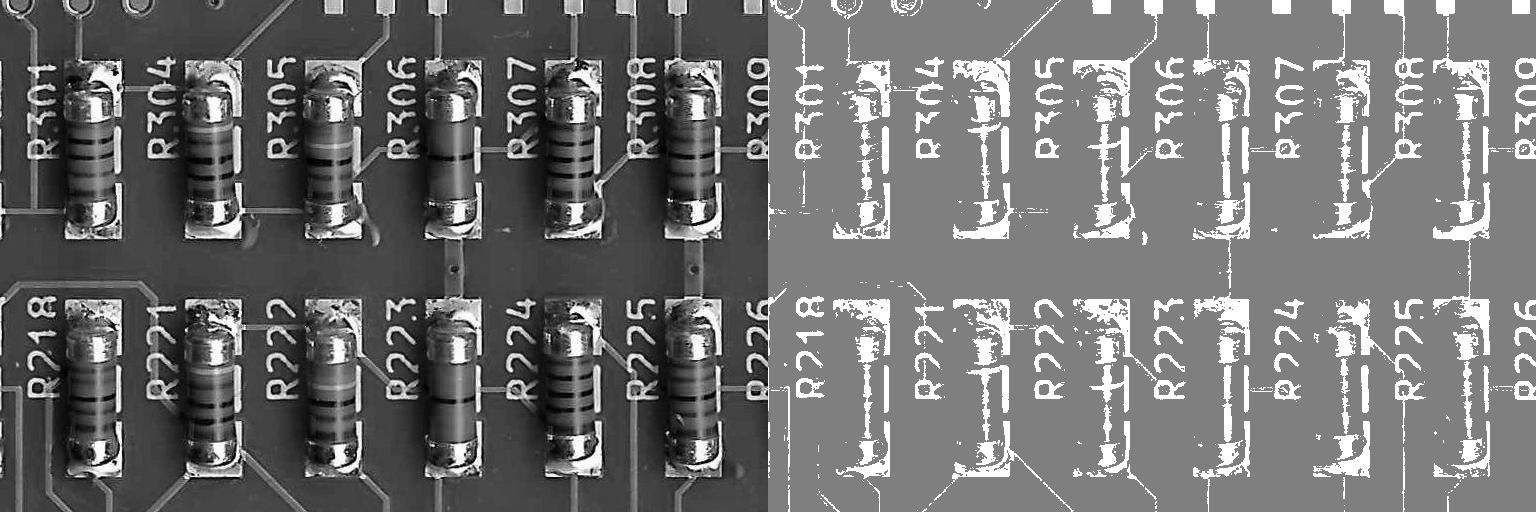
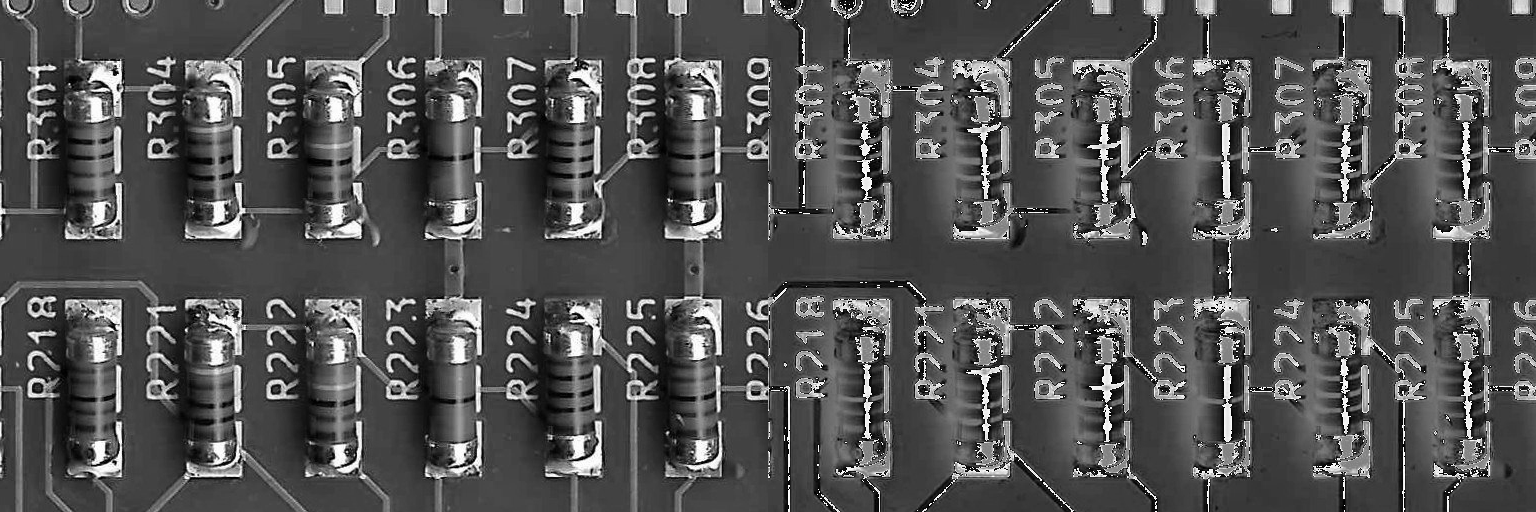
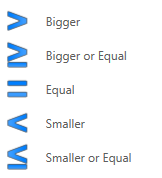
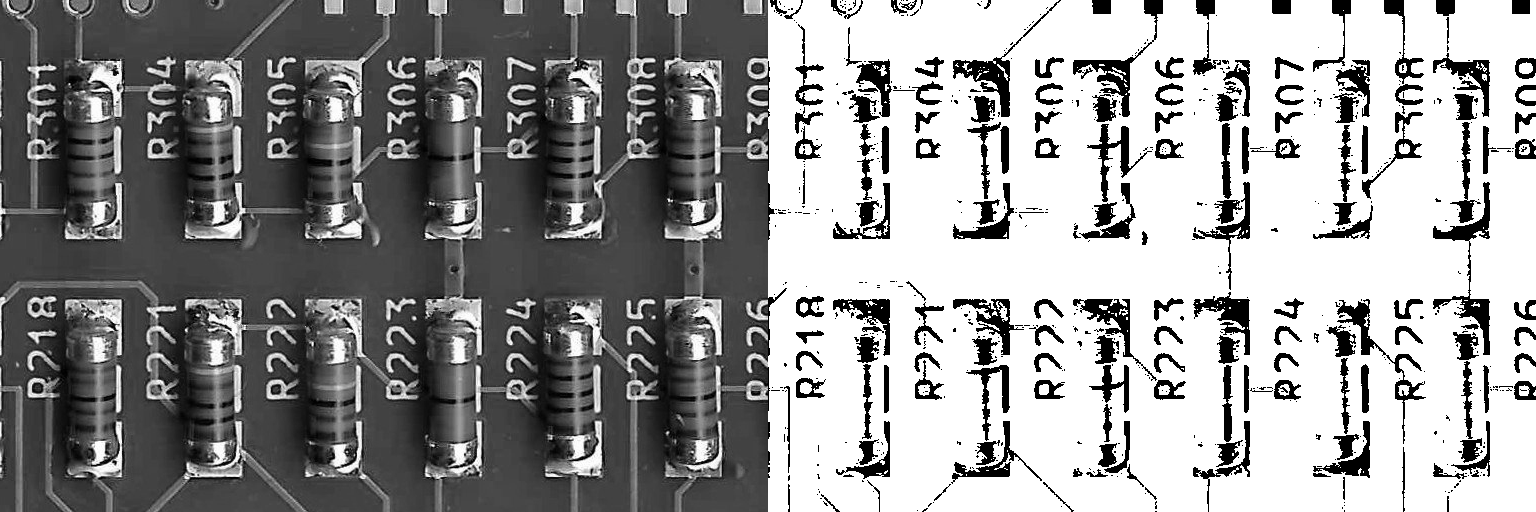
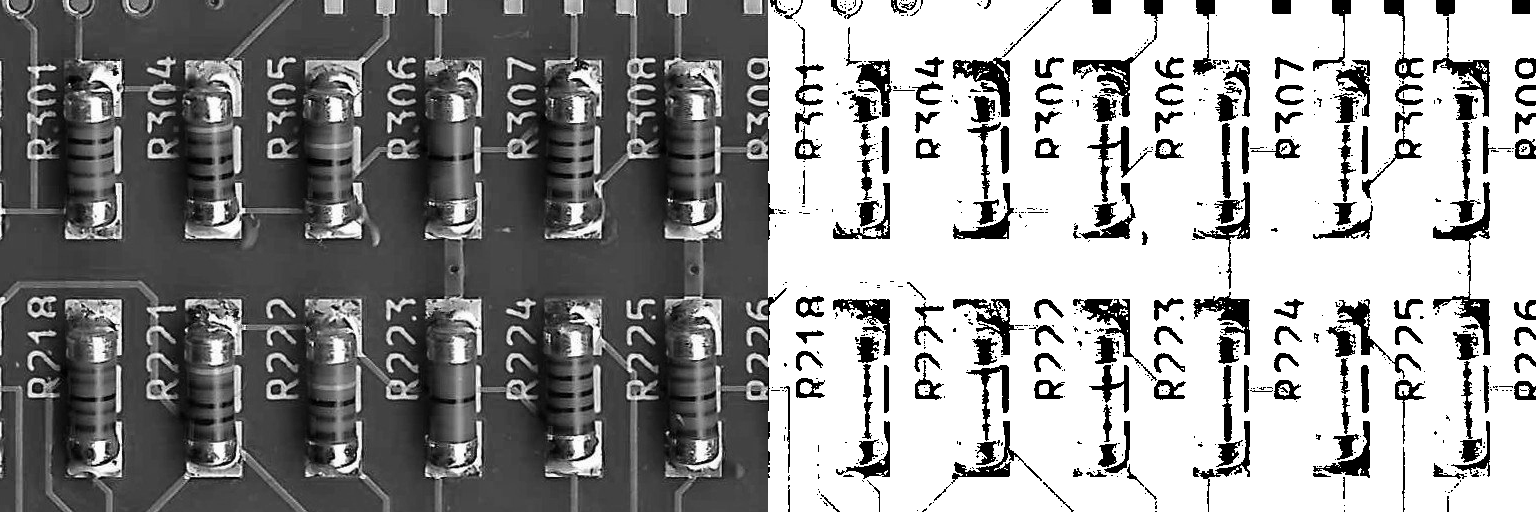
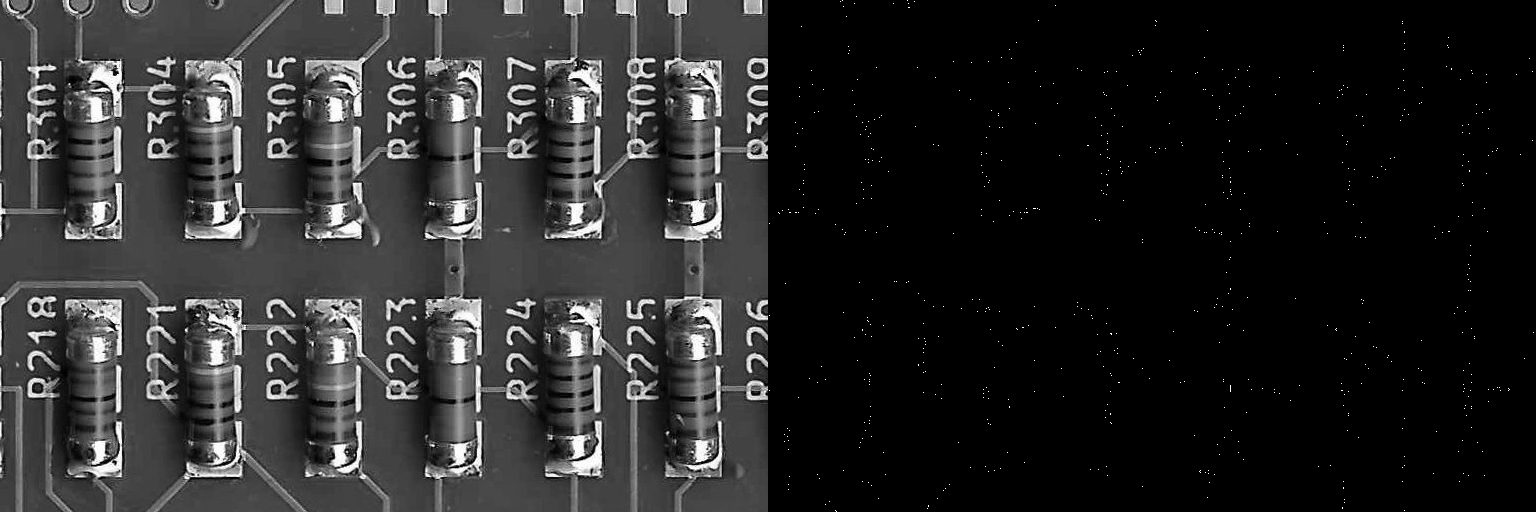
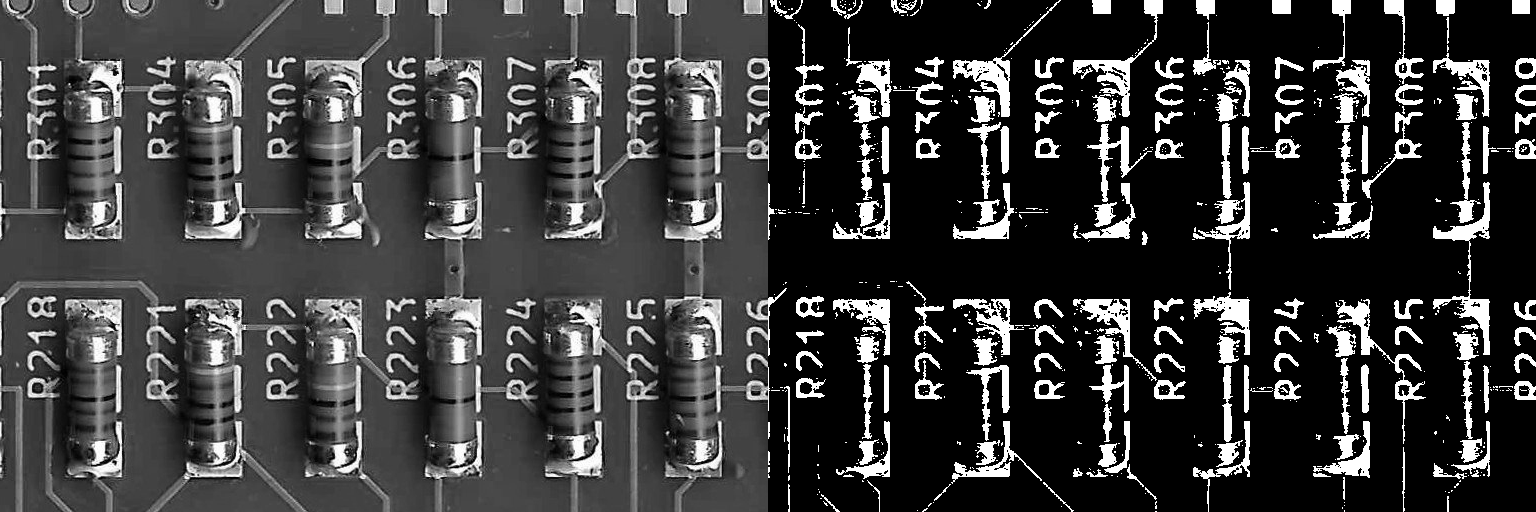
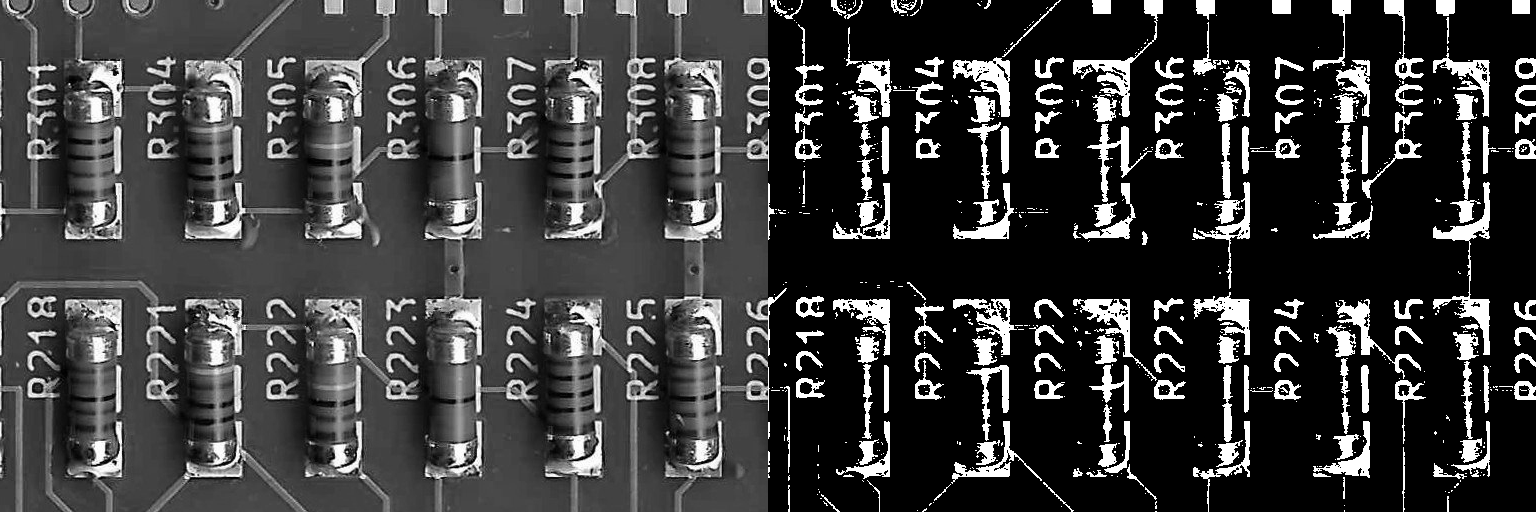
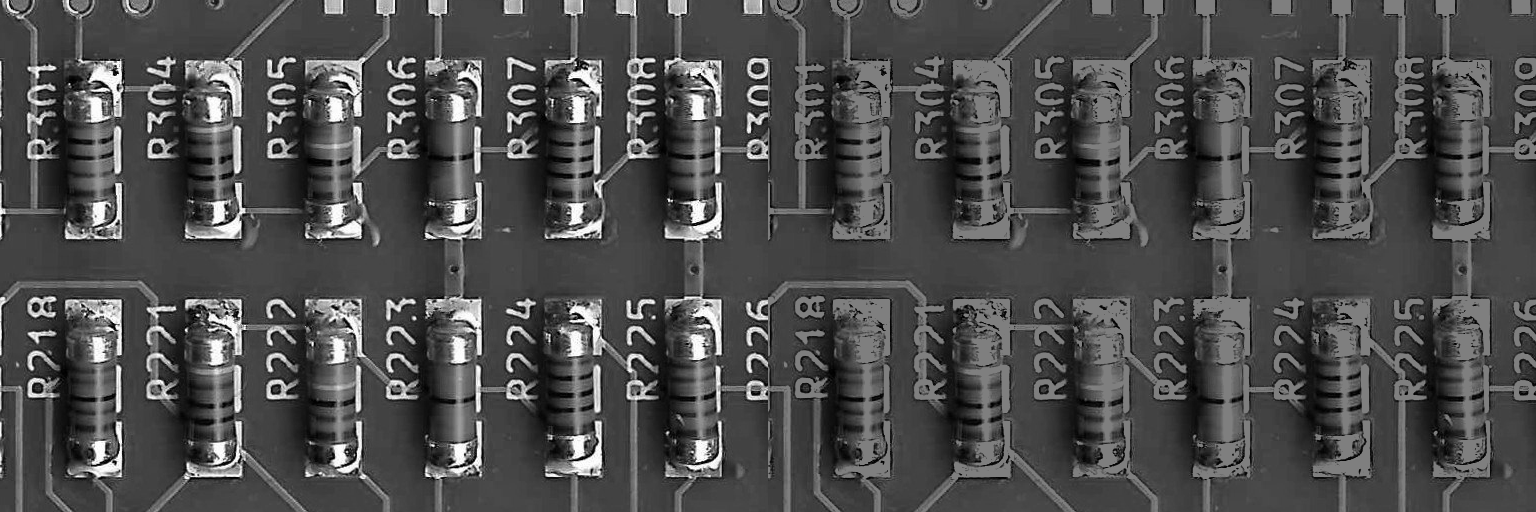
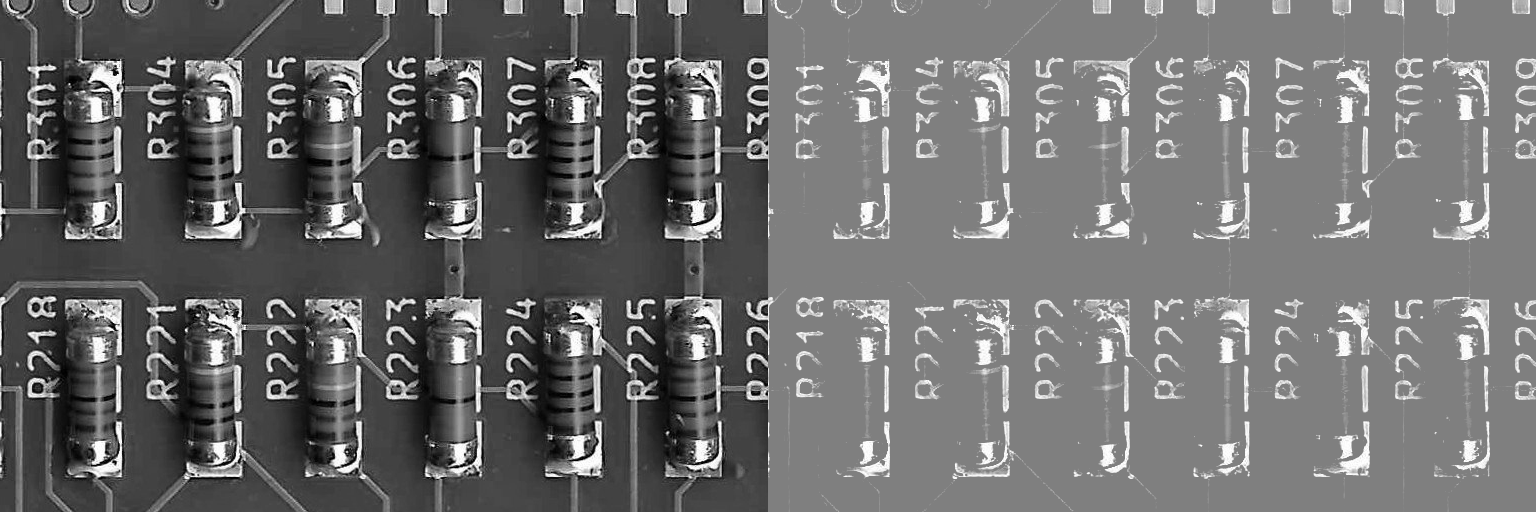
Constant (Type: object)
The constant.
Operator (Type: string)
Specifies the operator.
| operator | operation |
|---|---|
+ |
add |
- |
subtract |
diff |
difference |
* |
multiply |
/ |
divide |
*_blend |
multiply (blend) |
/_blend |
divide (blend) |
& |
and |
| |
or |
^ |
xor |
< |
smaller |
<= |
smaller or equal |
== |
equal |
>= |
bigger or equal |
> |
bigger |
min |
minimum |
max |
maximum |
BinaryImageOperator
Applies a binary point operation between two images. Possible operations can be grouped into arithmetic, logic and comparison fields. Binary point operations are applied pixel by pixel, the same way for every pixel, for corresponding pixels of two images.
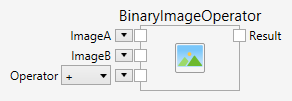
The following operators are available:
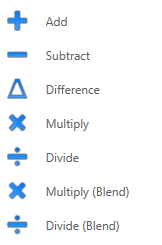
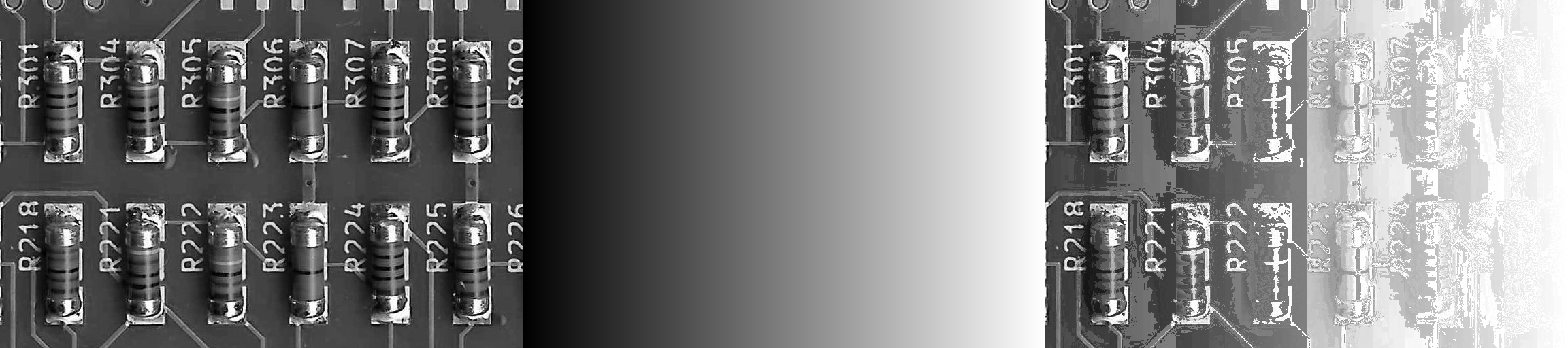
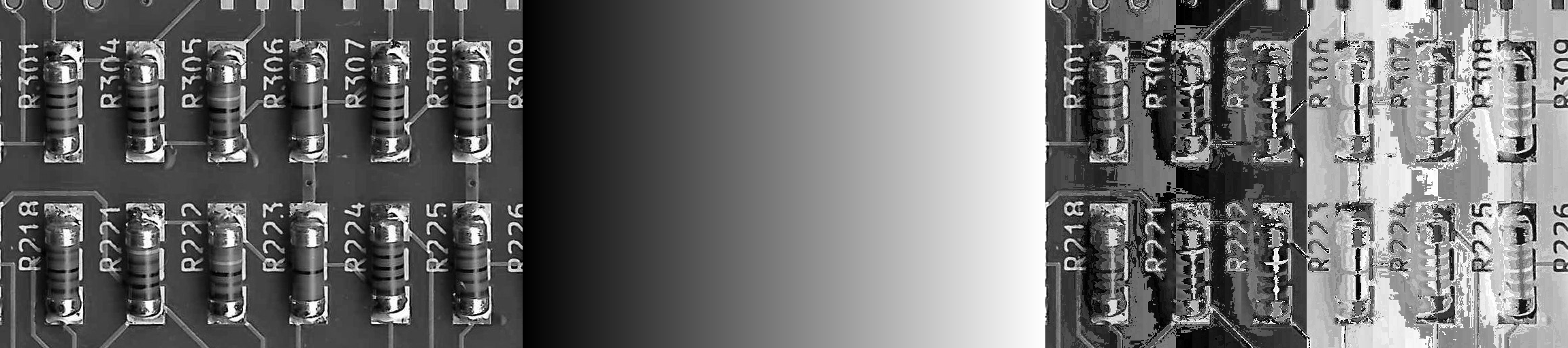
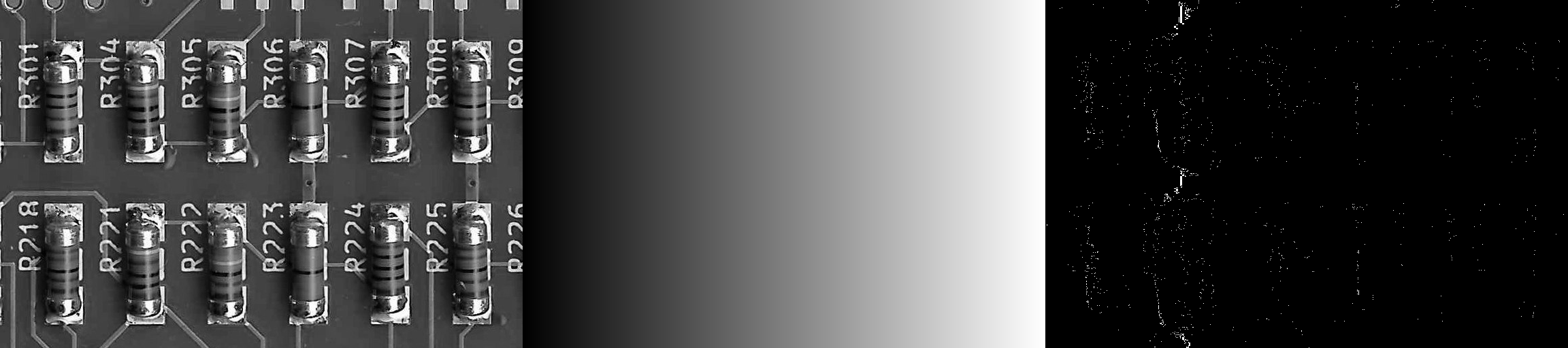
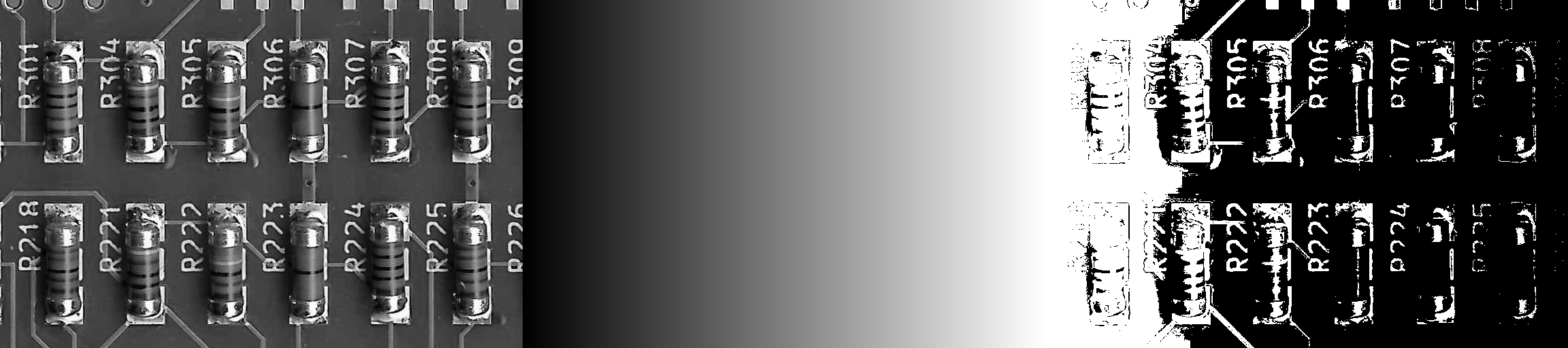
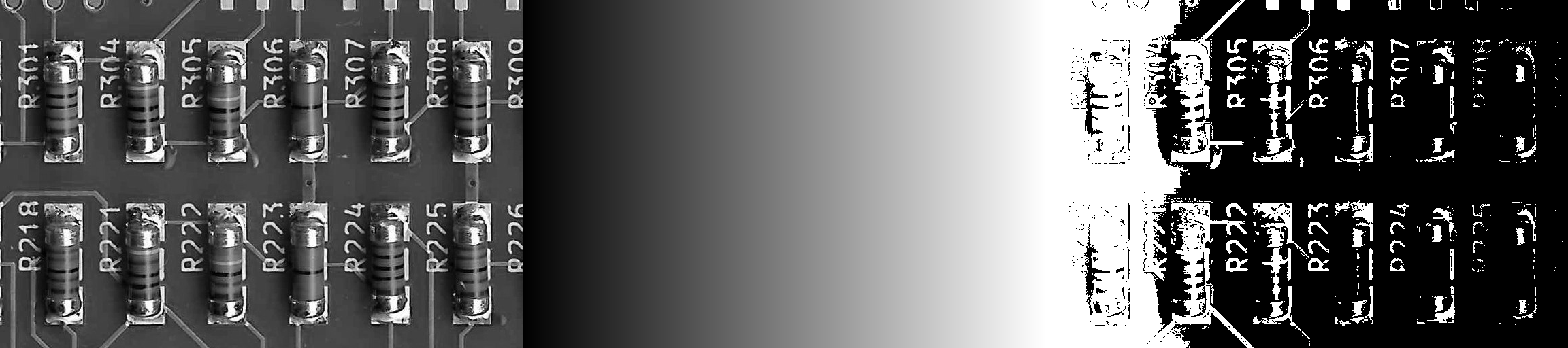
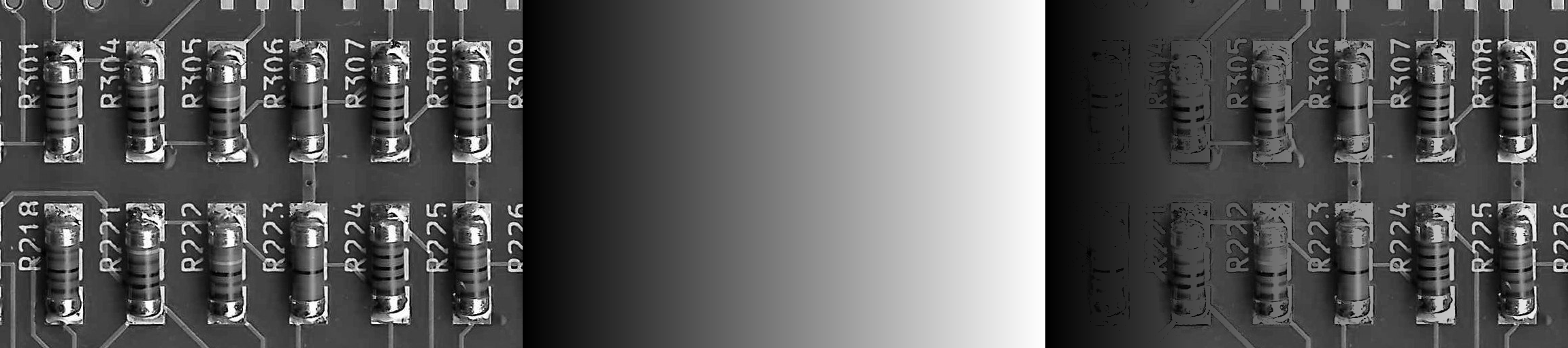
Add with saturation.
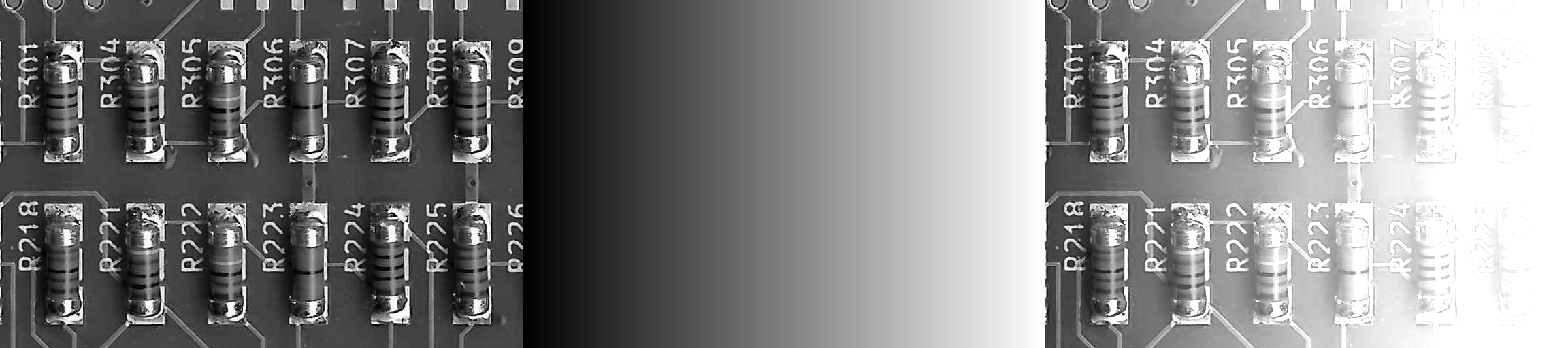
Image + Gradient -> Result
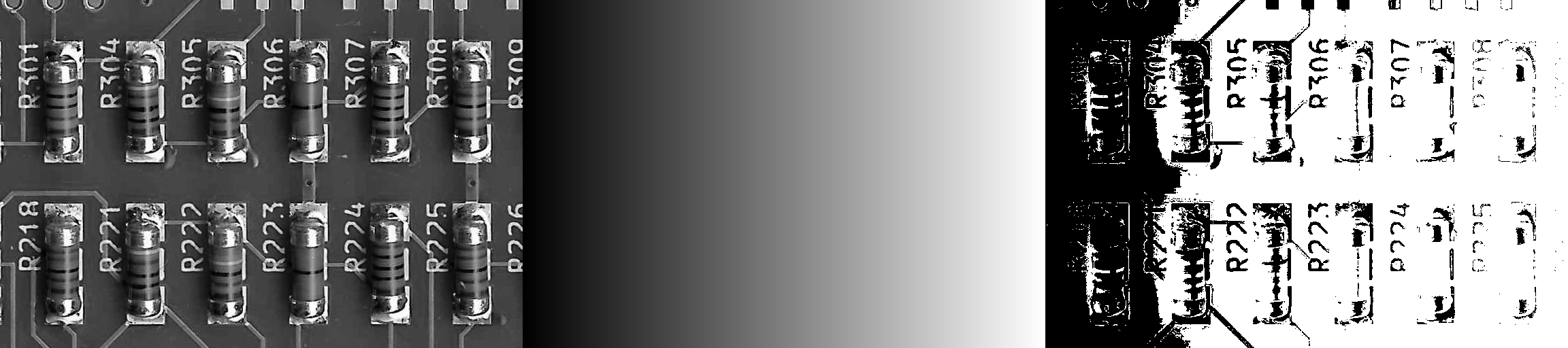
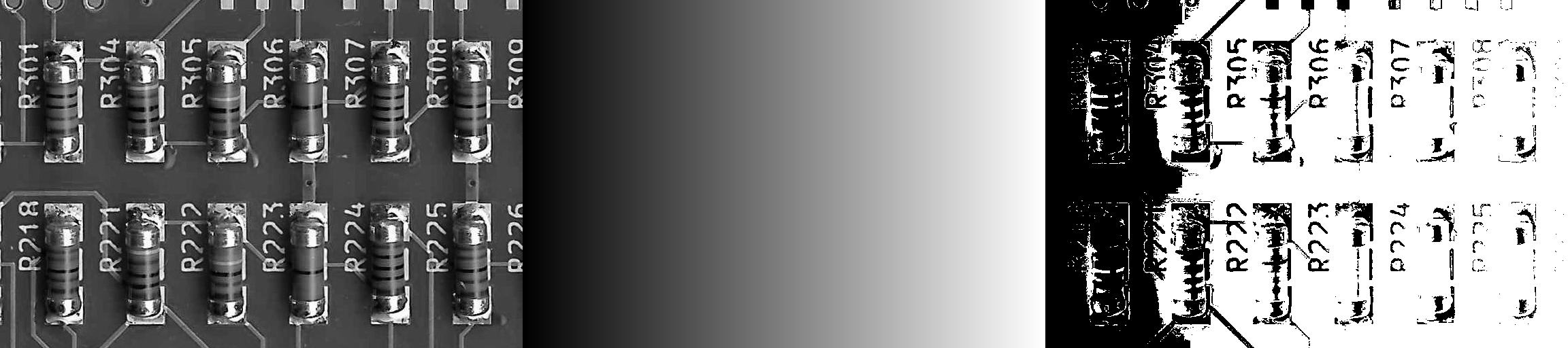
Subtract with saturation.

Image - Gradient -> Result
Difference with saturation.
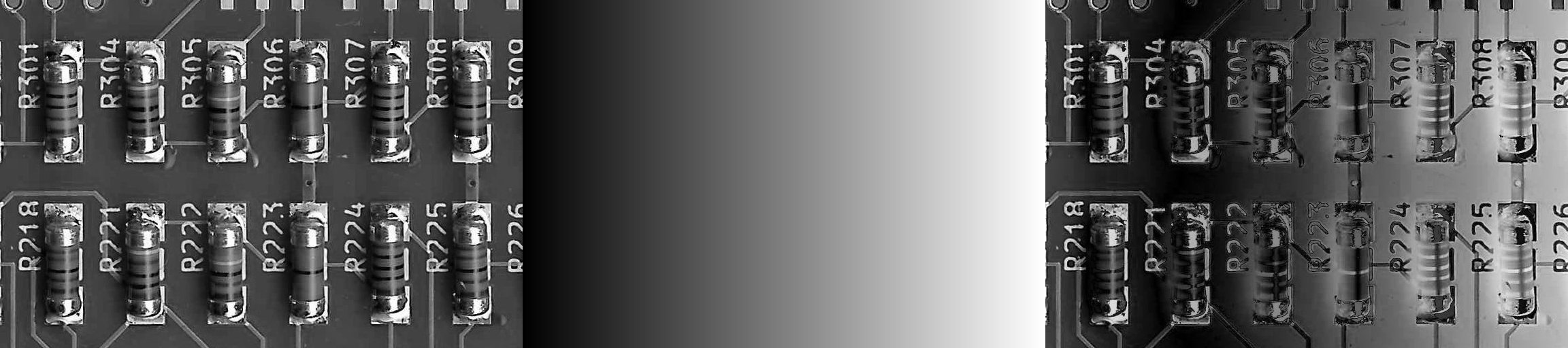
abs ( Image - Gradient ) -> Result
Multiply without saturation.
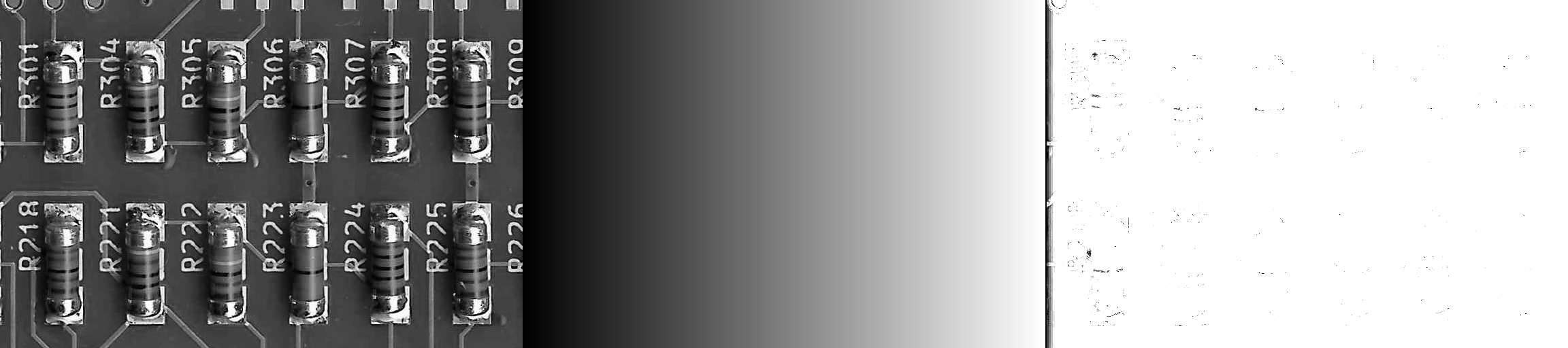
Image * Gradient -> Result
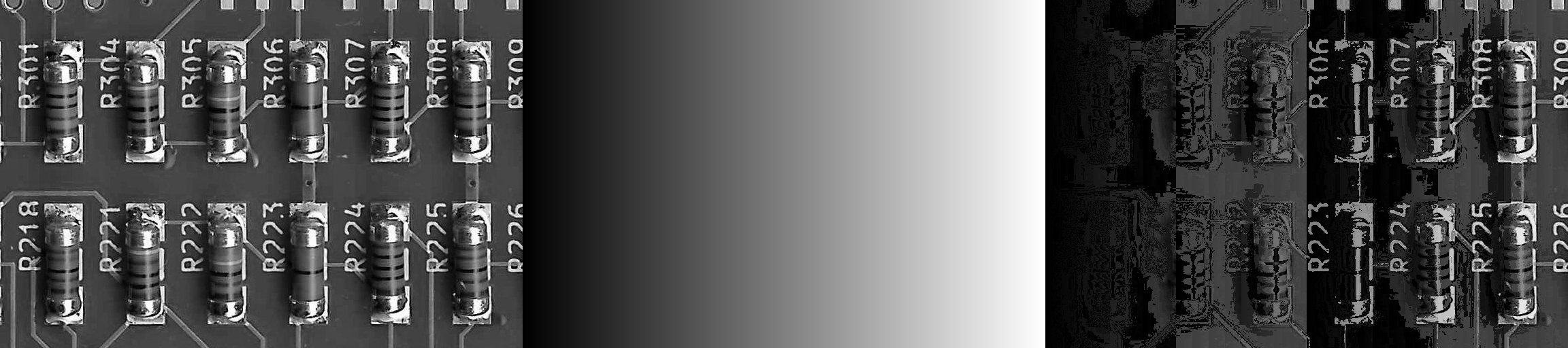
Divide without saturation.

Image / Gradient -> Result
Multiply with saturation.
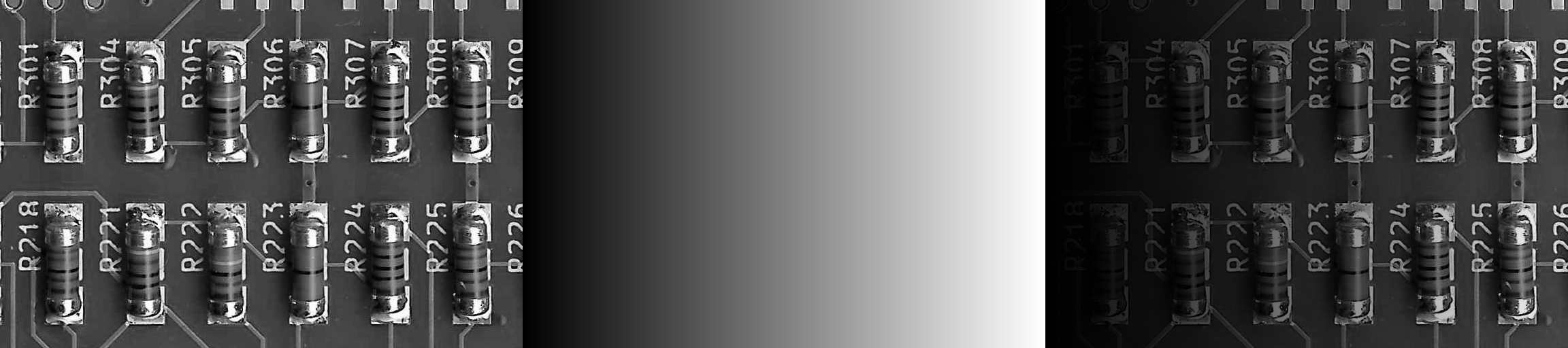
Image * Gradient -> Result
Divide with saturation.
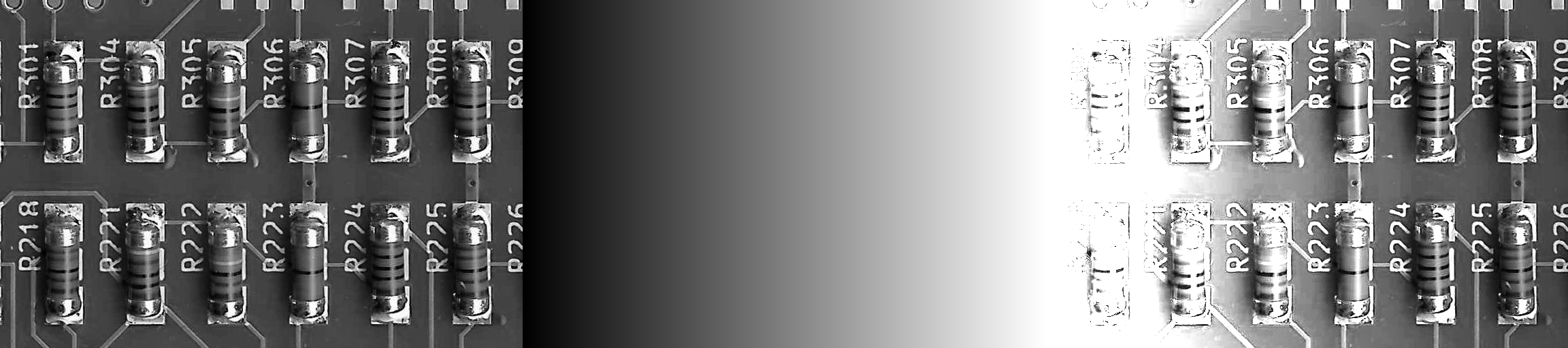
Image / Gradient -> Result
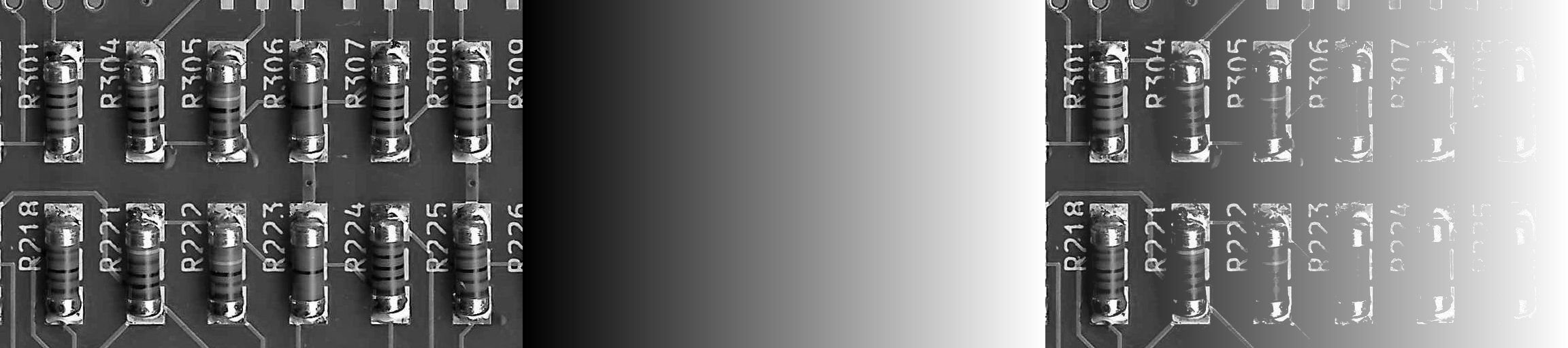
Inputs
ImageA (Type: Image)
The first input image.
ImageB (Type: Image)
The second input image.
Operator (Type: string)
Specifies the operator.
| operator | operation |
|---|---|
+ |
add |
- |
subtract |
diff |
difference |
* |
multiply |
/ |
divide |
*_blend |
multiply (blend) |
/_blend |
divide (blend) |
& |
and |
| |
or |
^ |
xor |
< |
smaller |
<= |
smaller or equal |
== |
equal |
>= |
bigger or equal |
> |
bigger |
min |
minimum |
max |
maximum |