Graphics
Coordinates
Graphics are drawn within a coordinate system. In order to facilitate easy cooperation with image coordinates, the coordinate system has its origin in the upper left corner, positive x coordinates extend to the right and positive y coordinates extend to the bottom. The graphics system is two-dimensional. There is no z dimension in graphics that would correspond with the z dimension in images. The graphics system is connected to the system of hierarchical widgets. Each widget lives in the coordinate system of its parent widget, but it may establish a different coordinate system for itself and its children. For example, the WidgetIimage shifts its coordinate system by half a pixel right and down, in order to make sure that integer coordinates are in the middle of a pixel. If you draw graphics on top of an image (inside an ImageWwidget), the lines will be centered on the image pixels if you draw them with integer coordinates.
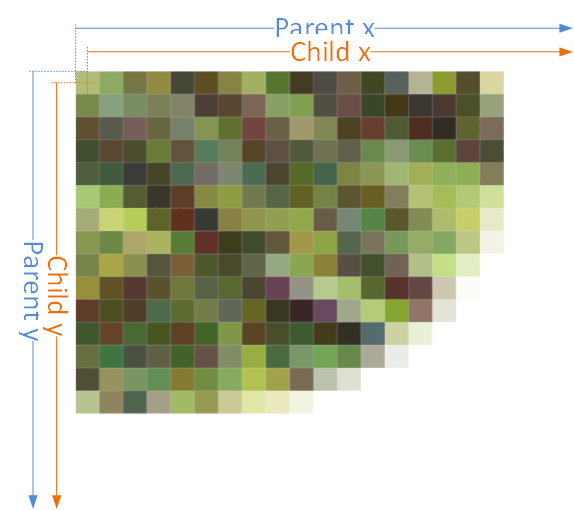
Image coordinates
Brush
A brush is needed to fill a geometric primitive. nVision provides a solid color brush. A solid color brush can be created from a color and an alpha value.
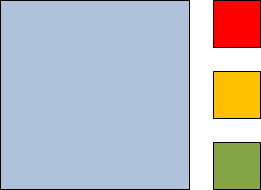
Solid color brushes
A brush can be created by setting values for the primary colors red, green and blue, as well as it’s opacity (which is the opposite of transparency).
Pen
A pen is needed to outline a geometric primitive. A pen has a certain brush, a width, a dash style, a dash offset, a cap style for start, end and dash caps, a line join style and a miter limit. It is used to draw outlines.
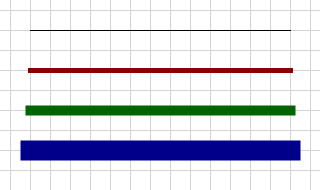
Pen color and thickness
The picture shows various pens with different colors and increasing width from top to bottom. The fact that the line ends seem to extend more to the left and right with the thicker lines comes from the fact that a square end line cap is used by default.
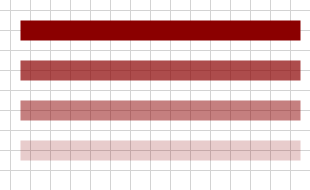
Pen opacity on white background
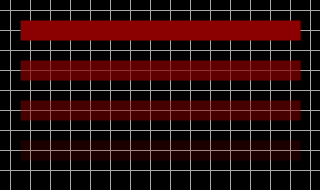
Pen opacity on black background
A pen’s opacity or transparency can be adjusted with its alpha value (alpha = 1.0 means fully opaque, alpha = 0.0 means fully transparent). The resulting color is a mixture of the background with the pen color, where the alpha value controls the weight of the mixture.

Pen end caps
A pen can have flat, square, round or triangle shaped end caps, as shown in the picture. The caps can be specified separately for the begin and end of the line.
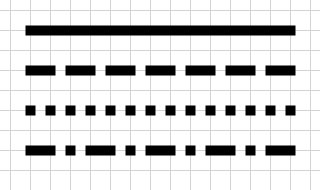
Pen dash style
A pen can have various dash styles: solid, dashed, dotted, etc.
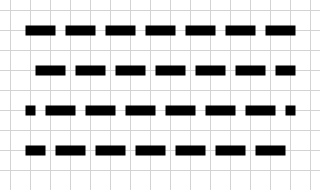
Pen dash offset
The dash pattern can be shifted left or right with the dash offset. Positive values shift to the left, negative values shift to the right. The actual shift amount is the pen width multiplied by the dash offset.
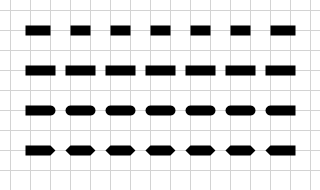
Pen dash caps
Similar to the end caps, a pen can have also dash caps.
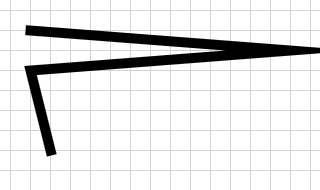
Pen miter join
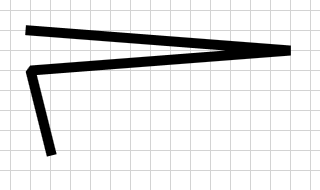
Pen bevel join
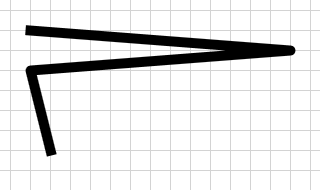
Pen round join
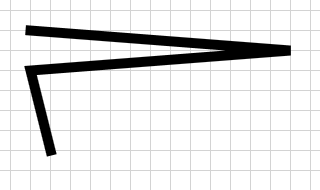
Pen miter or bevel join
A polygon can have various joins at the vertices: miter join, bevel join, round join.
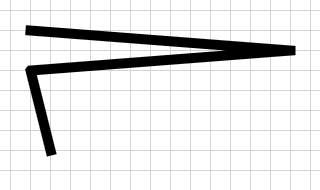
Pen miter join with miter limit 1.0
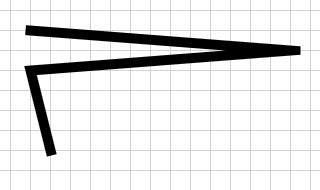
Pen miter join with miter limit 2.0
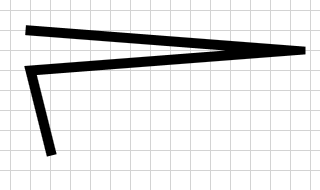
Pen miter join with miter limit 3.0
The miter limit controls how far joins can extend, when the angle between the lines is small.